Find your favourite show
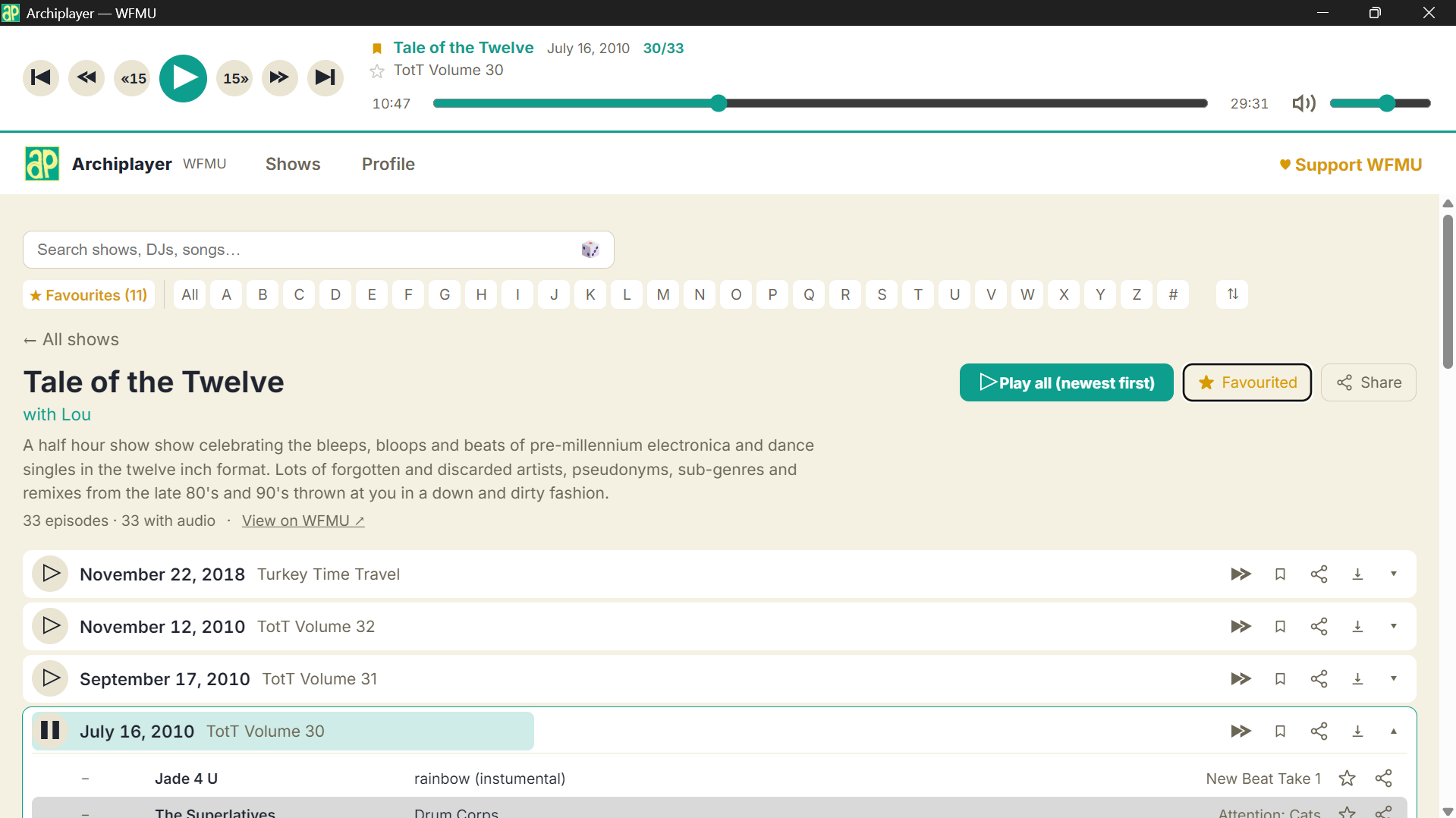
Browse every current and past show. Search DJs instantly and search tracks as playlists enter your local cache (Because we are mindful of web traffic).
 ARCHIPLAYER
LOCAL-FIRST · OPEN SOURCE
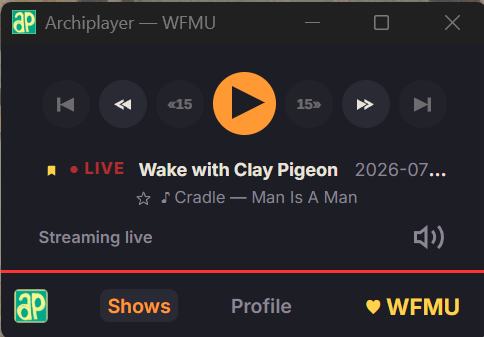
A fast desktop library for decades of WFMU broadcasts. Search the catalogue, follow playlists, save favourites and take episodes offline; without an account or a cloud.
Early builds for Windows. macOS and Linux coming soon.
RADIO SHOULD FEEL LIKE DISCOVERY.
“Browse, listen and save all in one place”
01 / What it does
Browse every current and past show. Search DJs instantly and search tracks as playlists enter your local cache (Because we are mindful of web traffic).
Queue whole shows, single episodes or jump straight to a track’s timestamp. Resume where you stopped.
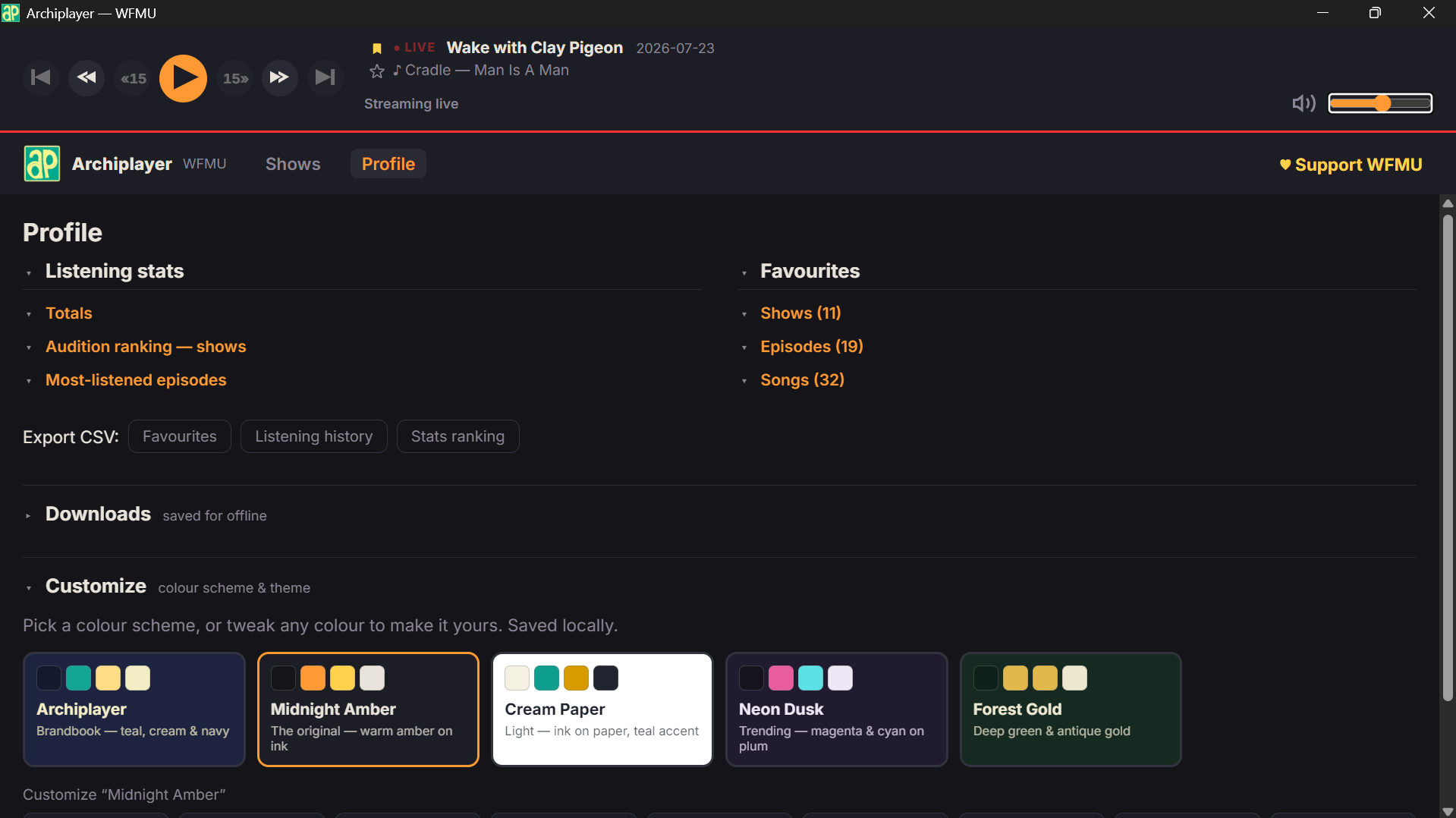
Press the bar to jump. Drag and a loupe opens, gearing the scrub down to a quarter of a pixel so you land on the downbeat, not near it.
Play, skip, mute and favourite from the keyboard. Bind what you like, and keep the keys working while another window has focus.
Download episodes for travel and slow connections. Choose where the files live; delete them whenever you like.
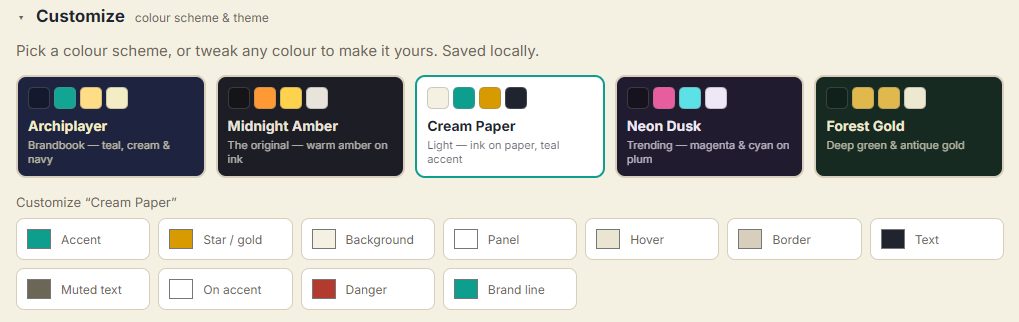
Favourite shows, episodes and songs. Listening history and stats stay in one SQLite file on your machine.
02 / Get Archiplayer
These early builds are unsigned. The source is public, but Windows will ask you to confirm that you trust the app.

Windows 10 or later · x64
Download .exeChoose More info, verify that the download came from this repository, then choose Run anyway.

Distribution paused · source build supported
Coming soonThe universal build still works from source on Intel and Apple Silicon. Follow the macOS section of the build guide.

Packaging and compatibility validation in progress
Coming soonBUILD IT YOURSELF
Prefer not to run an unsigned binary, or want the Mac build today? Follow the build walkthrough in the repository.
VERIFY YOUR DOWNLOAD
Compare your file’s hash against SHA256SUMS.txt, or review the VirusTotal scan. Unsigned installers draw heuristic flags: two of 69 engines flag this build, both machine-learning verdicts with no named malware family.